
Memories Matter
Featured blog Posts

READ THE LATEST POSTS

The power of pictures to make us feel: Remembering David Bowie
David Bowie will be remembered primarily through his evocative, powerful music, but the trove of pictures that show his shapeshifting self will continue to reveal his story.
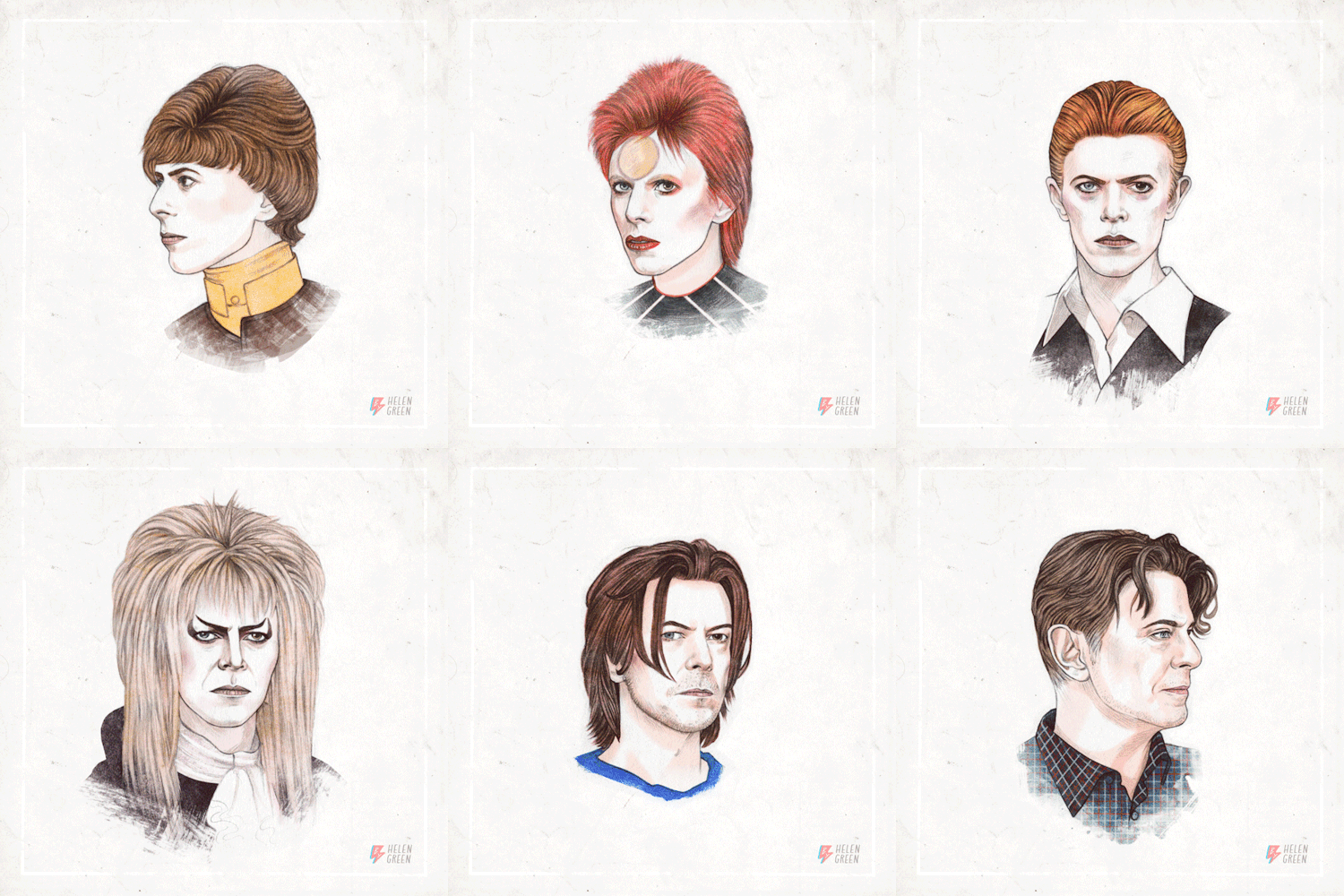
Sometimes it’s not our own pictures that make us feel something profound, but those of others who have influenced us.
The loss this week of a consummate artist, David Bowie—who has made millions of us feel all kinds of emotions through his music—has resonated with more people than I would have imagined. My personal Facebook feed is flooded with links to the coverage of Bowie’s death. But it’s the posts that are rife with images that I am finding most powerful.
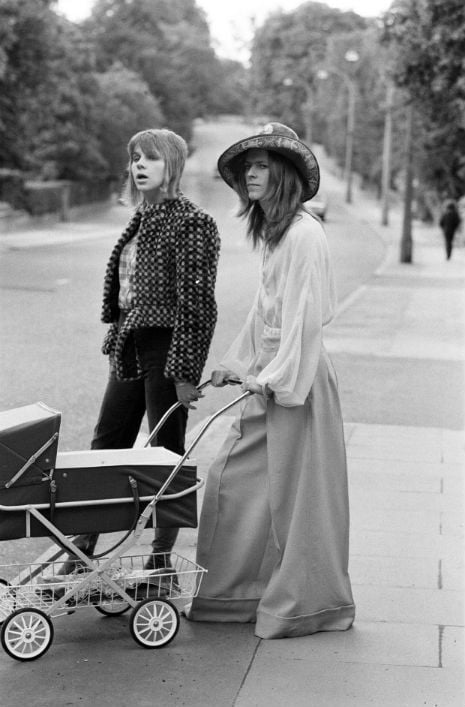
Classic photo: David and Angie Bowie taking their then 3-week-old baby Zowie for a walk, 1971
As a tremendous lover of music, I am never surprised by how a song can transform my mood—or make me cry. Bowie told stories through his infectious lyrics, and his music was emotionally evocative, to say the least. He had a larger-than-life personality; he lived life out loud. His songs will forever push and pull at us—make us dance, perceive acceptance, be inspired, viscerally feel.
“There’s something within his canon for each and every one of us,” said a fan outside Bowie’s NYC home, reports the NY Times. “He covered every aspect of the human heart, and I really will miss him.”
And the many, many images of him, like his music, will continue to reveal parts of David Bowie’s story. Rest in peace, Starman.

On St. Marks Place, NYC Photo by Jess Dukes
Are you a photo hoarder? Here’s help.
What’s the number in YOUR photo scroll? Here's help for getting your digital photos under control—so you can find that family photo gem when you want it (now!).

When the number of photos on your smart phone is in excess of—what, 10,000?—you’re in danger of being a photo hoarder.
We all take pictures (now more than ever: apparently one trillion photos were taken just this year!)—but what we do with them is highly individual. My mom always had her photos developed and every other year or so she’d sit down to the task of making an old-fashioned album (you remember the kind: with those clear magnetic page overlays to hold the pics in place?). My mother-in-law, on the other hand, stashed piles of pictures in drawers until they were so overflowing the drawers could no longer be opened (hey, that’s one way to protect your pictures!).
These days, technology has changed the game a lot, but there are still countless people who let their pictures languish somewhere—on their cell phone, on their social media feeds, on their camera’s HD card. (Do a Google search of “photo hoarder” and at the top of the absurd 1.56 million pages of results you’ll see that “picture hoarder” is even a term in the urban dictionary.)
20 years from now, you don’t want to feel like you are drowning in photos—you just want to remember!
Sound familiar? The first step is admitting you have a problem—say it: “I am a photo hoarder.” Next, take it a day at a time, starting with this plan.
Take out the trash.
One step at a time: Let’s start deleting images that you don’t need! Instead of playing Candy Crush or Hangman on your daily commute, scroll through your photo feed and start hitting delete. It may take weeks with this approach, but at least it’s a start!
Here are a few criteria that can help you quickly determine which photos to throw away first:
Duplicates. Did you take four shots of your lunch to see which one was best to post to Instagram? At least three of them are garbage (and that last one, really—will you need that for posterity?).
Screenshots. You took a screen grab of your text chat to email a friend, and another of a book on Amazon you wanted to remember to buy later. Smart phone technology definitely makes life easier, but it also makes it easier to hoard ridiculous images. Scanning your photo feed for these is simple and quick—do a batch delete!
Indecipherable. Dark, blurry, whatever—if you can’t remember what that shot is now, you’ll never need it later.
For all your other pictures that may fall into a grayer category, ask yourself these questions to help you determine if a photo is a keeper or should be dragged to the trash:
Does the picture tell a story that you want to remember?
Is it a spectacular photo? (If it doesn’t tell a story and isn’t really great, chances are you don’t need it.)
I don’t mean to oversimplify, but really, why would you need 3,000 average photos that don’t hold meaning to you? The real challenge lies in answering question number one honestly.
On a personal note: Avoid guilt! Don’t try to argue with yourself and find reasons to keep a photo. Deleting a picture of your child does not mean you love him any less. Your photo library is like your personal museum: You must be a curator. Trust me, 20 years from now if you want to reflect on a particular time in your family life, you don’t want to feel like you are drowning in photos.
Be vigilant going forward.
It’s a lot easier to maintain order than to have to clean out your photos in an overwhelming project every few years.
Set a reminder in your schedule every three months to do a quick cleanse of your digital photo libraries.
Consider hiring a professional photo organizer to help you keep things in check. I am happy to recommend someone near you, or if you are undertaking photo organizing as a precursor to creating aa book, I can help.
Get in the habit of deleting subpar photos right after taking them.
Recover your pictures from social media.
Facebook, Instagram, and Twitter should not be considered backup for your precious images. They are sharing tools, period. If you’ve been guilty of uploading pictures to social media and then deleting them from your phone or computer hard drive, please, repeat after me: I will not let my pictures live solely on social media.
Then get to work. There are tools to help you recover your photos, though not always at as high a resolution as you had originally uploaded them. For Facebook, go to your Account Settings >> General Account Settings and at the bottom click on the option to “Download a copy of your Facebook data”; you will get a .zip file that should include all your photos and videos. Instagram does not allow direct download of your images, but there are a variety of tools outlined in this helpful article.
If you are not technically savvy or this job just seems too tedious or time-consuming for you, there are pros who can help.

How many pictures are on your digital devices? (Yes, I am asking about ALL of your devices combined!)
Make a sustainable plan.
If your phone really is your primary camera, as it is for so many people, make sure you connect it to your computer regularly to synchronize images. I recommend investing in cloud storage of some kind—there are plenty of inexpensive options, and you are able to back up not only your images but your contacts, calendar, and emails, as well.
If you have a DSLR or a digital point-and-shoot camera, do not rely on your camera’s HD card as the only method for storing your photos. Invest in an external hard drive such as the LaCie Porsche, which can store up to 4TB of data—that’s more photos than even most selfie-obsessed photo hoarders can take in a decade!

Free Guide to Using Your Photos as Writing Prompts
You’ve saved all those pictures for a reason—why not use them to help tell the stories of your life?









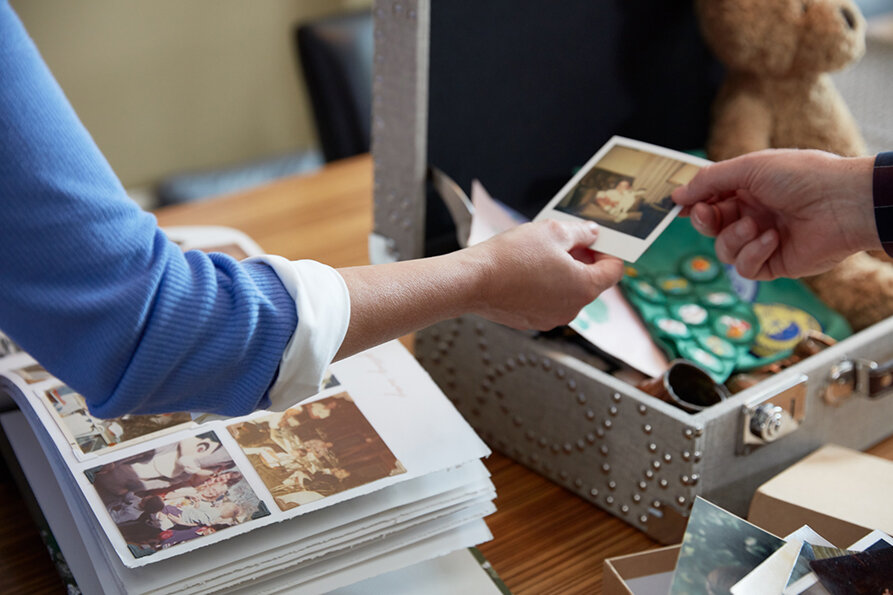





The ABCs of photo organization
Deciding what photos to keep can be overwhelming. Following a few simple guidelines can make this process easier. These ABCs of photo organizing courtesy of the Association of Personal Photo Organizers can help you stay on track.
Deciding what photos to keep can be overwhelming. Following a few simple guidelines can make this process easier, and I rely on the ABCs of photo organizing to stay on track.

Your kid may be "just too cute!!!" but how many poses of each shot do you really need? #goofball
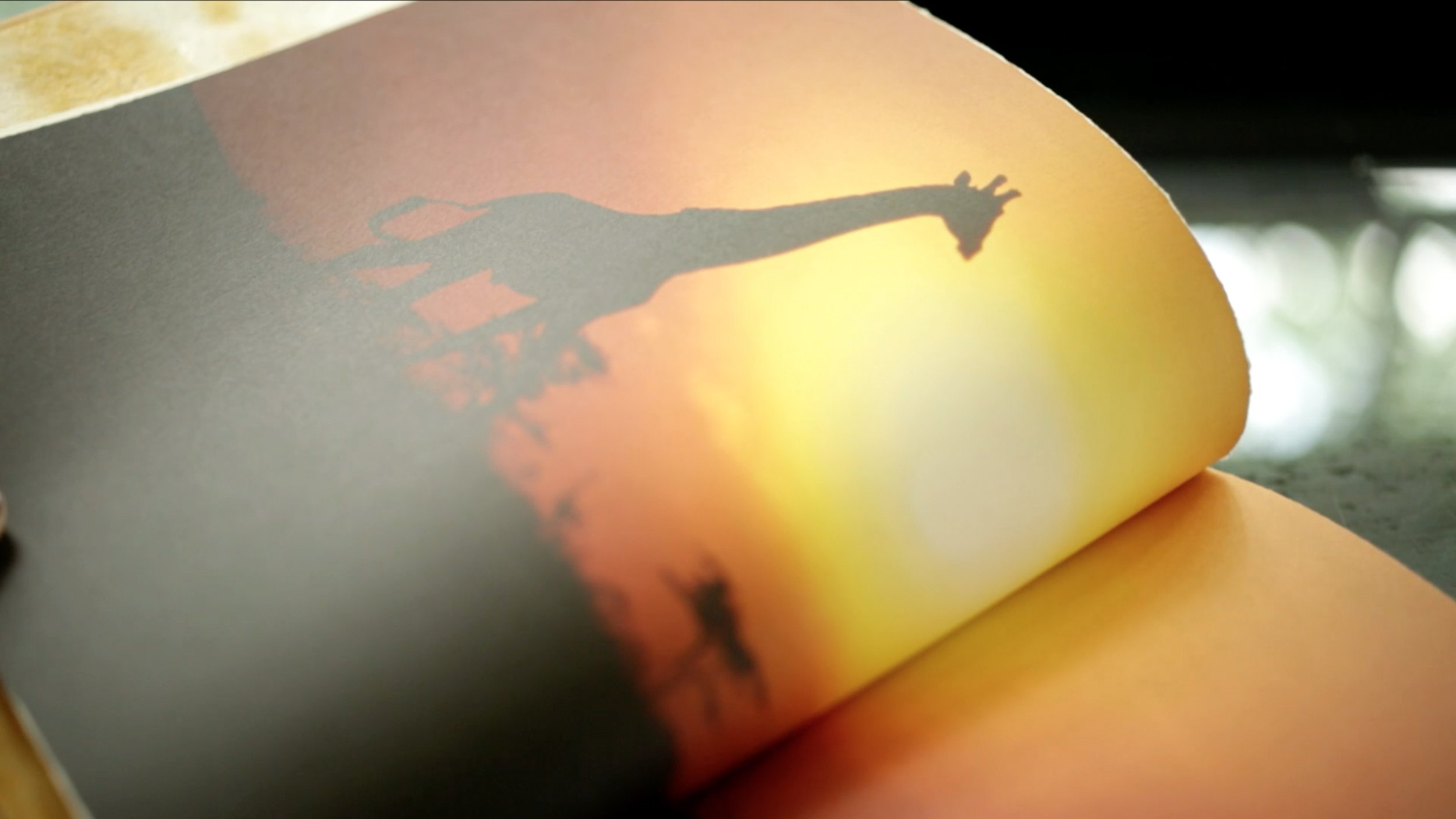
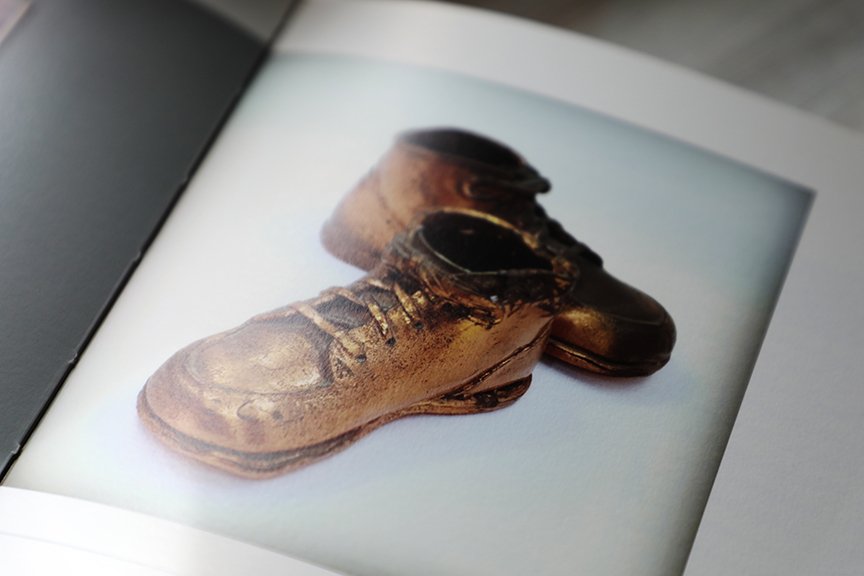
A stands for Album
These photos are the most important and belong in an album. It’s important to understand that not all photos need to go in an album. The ones you choose are often the most personal, and cherished. Less is more!
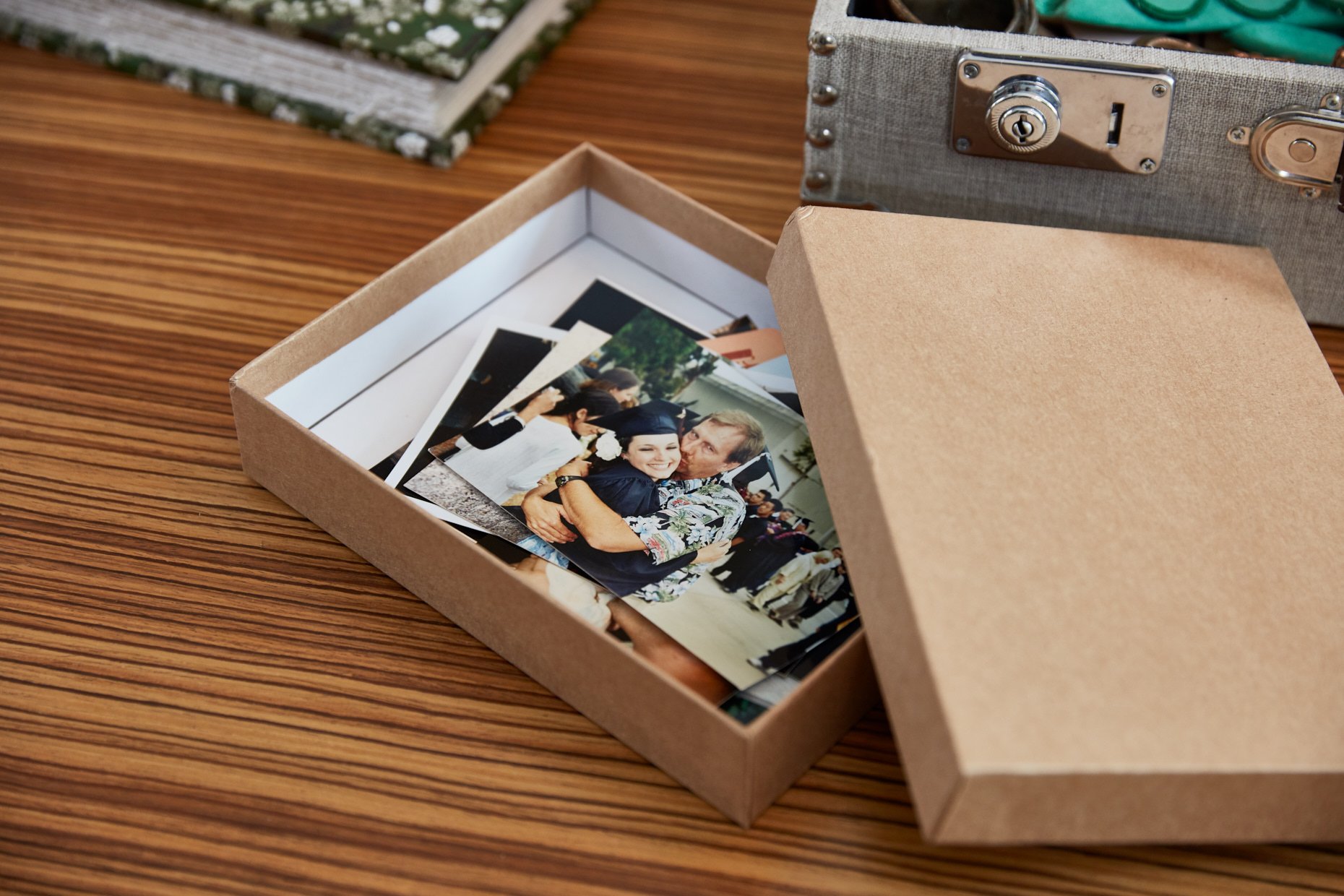
B stands for Box
Photos that are important enough to keep should be stored in archive quality boxes for long term storage, or backed up thoroughly if digitized.
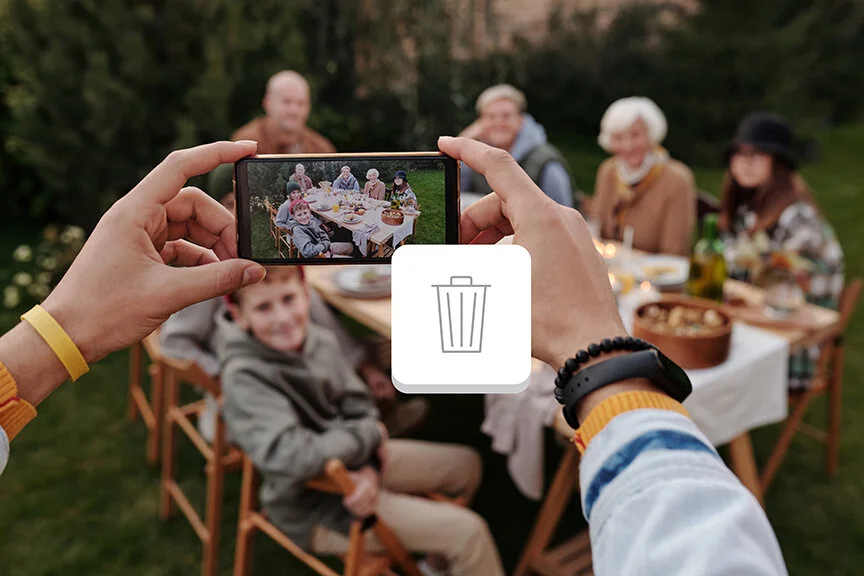
C stands for Can
These photos can go in the ‘trash can’ or your delete file. Toss duplicates, blurry or unflattering photos, excess scenery photos, etc.
S stands for Story
This is the most important part. Does the photo tell a STORY?! Keep any photos that clearly tell a story. An old blurry photo may have your Dad’s first car in the background! Be careful you aren’t tossing history.
Sorting Photos
Our natural tendency is to sort chronologically, but with today’s high volume of photos it can be overwhelming. Whether you are organizing printed or digital photos, the process is always the same. Choose to organize in themes that represent your life.
Weddings, Vacations, Sports, Heritage, By Child , Pets, School, Christmas, Birthdays
These are just a few examples, and themes will vary from one family to the next. Themes can also be sorted in chronological order for easy access.
Safeguarding Your Photos
With today’s rapidly changing technology, protecting our photos continues to be a challenge. Experts recommend that you back up photos in three ways.
Two Computer Sources: Besides the computer drive that your images are stored on, you should have an external hard drive where your photos are backed up regularly. Two computer locations will ensure your photos are safe in the event of a computer crash, and easily restored.
CD/Picture Keeper Backup: Schedule a monthly backup reminder and store images on Archival CDs. These types of disc are high quality and designed for long-term, stable storage. The likelihood that these discs will be readable 10 years from now are high. Even today, we are transferring obsolete media into current readable forms easily. Picture Keeper is a space-saving device that has built in software that intuitively seeks out your digital images from your PC or MAC. This USB flash drive is small enough to store in a safety deposit box outside of your home.
Online Storage: APPO, the Association of Personal Photo Organizers, recommends storing your ‘A photos’ with an offsite service, commonly known as cloud storage. I can recommend a cloud based storage system that offers the security you need plus the added advantage of unlimited photo storage and accessibility from many devices for easy, private sharing.
Print Your Photos: This is by far the safest and most reliable form of backup. Getting your printed photos into albums or printed photo books is the best way to ensure that your photos will survive technology changes and cloud storage. Everyone will still have ‘eyes’ 50 years from now, but technology will be vastly different.
Need Help?
Do you need assistance sorting through your ever-growing archive of pictures? Or perhaps you've taken the plunge with the advice above and have everything organized and backed up like a professional—but now want to show off some of those 'A photos' in an heirloom quality book. I'm here to help! Set up a free consultation to see how we can best work together—and let your pictures shine.
This post courtesy of APPO.

Dawn Roode’s curated roundup for the week of Sept. 23, 2026, is overflowing with recent reads on memoir, life story writing, and family history preservation.