
Memories Matter
Featured blog Posts


READ THE LATEST POSTS

Using technology to help you share your family’s stories
There is plenty you can do to ensure that you are—easily!—capturing bits and pieces of your family history on a regular basis. Even if a photo book is way off in your future, take steps now to make life easier later with our recommended memory-sharing websites. With weekly emails prompting a family elder to share personal stories, and options for video, audio, and other customization, creating your personal digital archive is simpler than ever.

A recurring theme here at Modern Heirloom Books is that while we are drowning in our digital images, most people are not doing anything really worthwhile with their pictures. That’s a main reason we exist as a company—to help you curate your pictures and craft them into stories you can share through exquisitely designed books.
What of those stories, though? There is plenty you can do to ensure that you are—easily!—capturing bits and pieces of your family history along the way. Even if a photo book is way off in your future, take steps now to make life easier later.
“There is plenty you can do to ensure that you are—easily!—capturing bits and pieces of your family history along the way.”
In the last few years a host of memory sharing sites have arisen to help tech-savvy families record and share their family memories. Some have evolved over time, while new ones continue to hit the app store in an attempt to simplify the process with more elegant and engaging interfaces. Many of them are too labor-intensive or convoluted to warrant your time, however (and I doubt they’ll be around in a few more years).
One Memory-Sharing App That’s Worth Your Time—and One to Watch (IOHO)
You know those fill-in-the-blank memory books that tempt on Barnes & Noble bookshelves, or the beautiful journals that promise to leave your story for your children? (You know, the one that sits on your nightstand with just two pages filled in?) They’re a wonderful idea, if only we’d truly sit down and answer the questions. StoryWorth is like a digital version of these books, but with so many more benefits.

Options for good old-fashioned fill-in-the-blank memory journals abound—but they're useless if no one fills them in!
StoryWorth recipients receive a weekly email prompting them to answer a question based on their life experiences. The array of questions is vast and evocative, though users may always choose to answer a question they themselves craft. When a reply is input, answers are emailed to a preset list of people (so, as many family members and friends as you want to designate may receive your stories).
The value? It’s easy and fun to answer these prompts, whether a subject types a response on the website or via email, or chooses to record an audio clip over the phone. Photos and audio files can also be uploaded to the site, and stories—all saved on StoryWorth and available for printing or download at any time—are editable and secure. Remember: These aren’t biographies you’re crafting. They are nuggets from your (or your mother’s or grandfather’s) life—the time you hitchhiked across the state, the first time he flew on an airplane, that time none of the kids could find the hidden Easter eggs—colorful tales that the rest of there family will be thrilled to discover.
The site has a few packages ranging from $39 to $119 per year, and they offer a one-month free trial (you don’t even have to enter your credit card to start your trial). Check it out.
If your memories are all over the multimedia map and you want something more dynamic and mobile-friendly, I venture to guess that the imminent app I Rememba might be a good choice. I can’t say much more, though, as the app is still in development; I have signed up for access to their beta launch, so I’ll update you when I’ve eventually had time to test it. Why does it warrant my interest? Well, I am right there with the founder’s inspiration:
““Today, I’m 34 yrs old and have a 3.5 yr old daughter, of whom I have more than 25GB of pictures and videos…and due to the sheer speed with which we’re creating new memories, we don’t really care about them as much as we used to. Can you imagine, when my daughter grows up, what it would be like for her to Search and/or Share just the BEST memories of her life?? ….feels like trying to find a needle in a haystack…””
The launch site promises ways to preserve, capture, and share memories, in whatever format (video, audio, photo, text, and even family tree charts), and to “leave your legacy through time capsules.” I Rememba, like Modern Heirloom Books, is about preservation of memories and connecting generations. I’ll be watching them!
Family History vs. Family Stories
There is a place for memoirs and full-fledged biographies: the library.
Your own stories should not be told in minute detail, covering every life decision and milestone. I am not insinuating that your accomplishments and experiences are not worthwhile—truly, I am not. But for most of us, that…long…story would be rather…boring.
Perhaps it is important for you to chronicle your heritage, and I value a detailed family tree as much as any genealogist. For me, though, the personal tales that inspire a smile or reveal a person’s character are of even greater value. As the cliché goes, no one wants to sit through two hours’ worth of family vacation video, but a highlight reel is always welcome! Likewise, your descendants don’t want to feel like they are reading a 100-page history lesson, but rather as if they are being introduced to the interesting, unique people who came before them.
“No one wants to sit through two hours’ worth of family vacation video, but a highlight reel is always welcome!”
The memory-sharing apps mentioned above are great options for capturing the memories that matter. You’ll know which stories resonate when you get responses from your family members. “OMG I had no idea you were such a rebel soul!!” “I always knew you had a generous spirit, but this is above and beyond.” “LOL you are the same now as when you were 6yo!” “Now that I’m a mom I do the same thing!!”
“You’re not faced with thinking about your whole life or even what story you want to tell,” Nancy Mills told the NY Times about her experience with StoryWorth. “It’s like you’re having a conversation.”
And editing out stories that are less impactful—meaning that when you read them months later they don’t make you feel something—is easy.
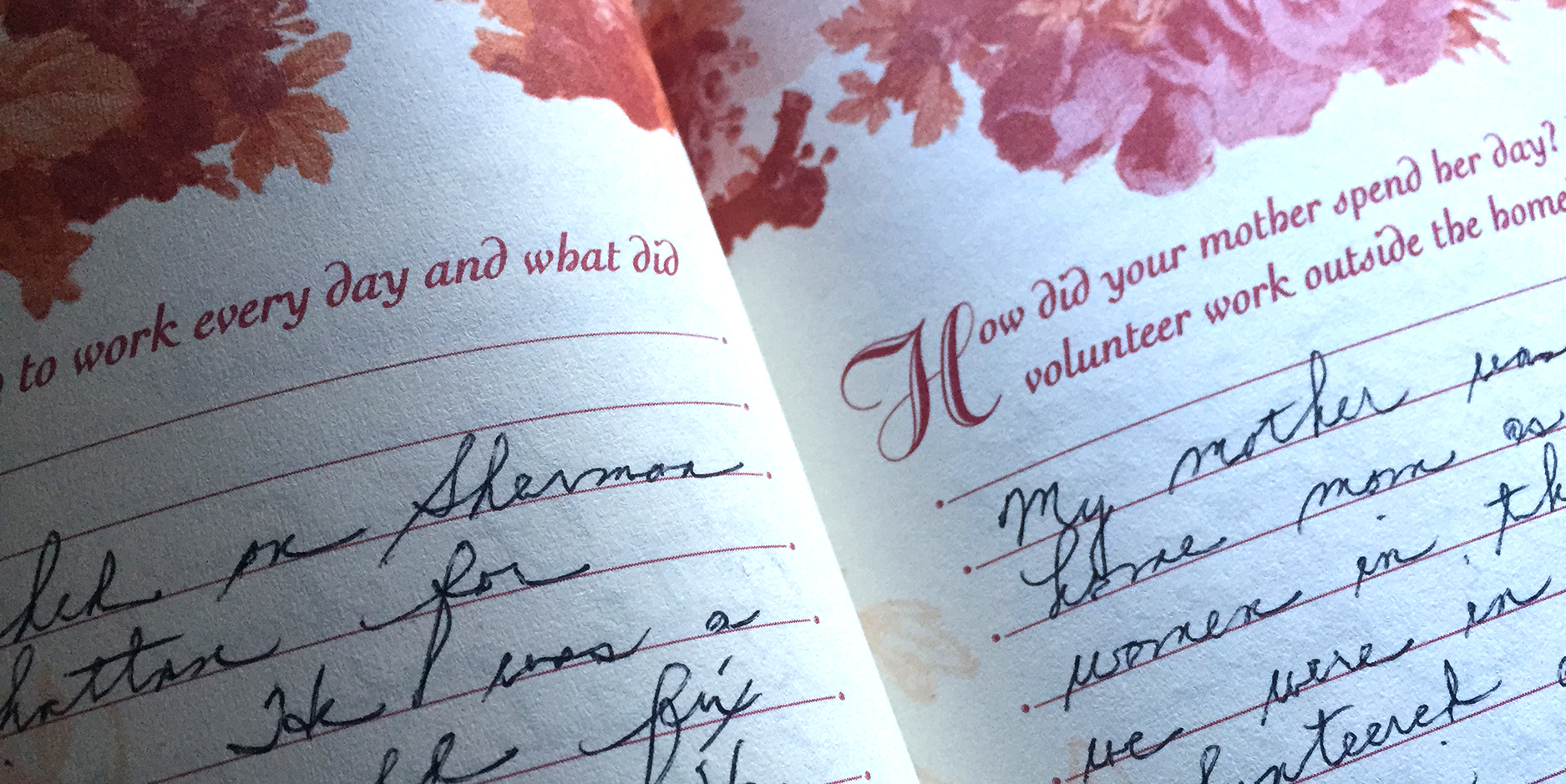
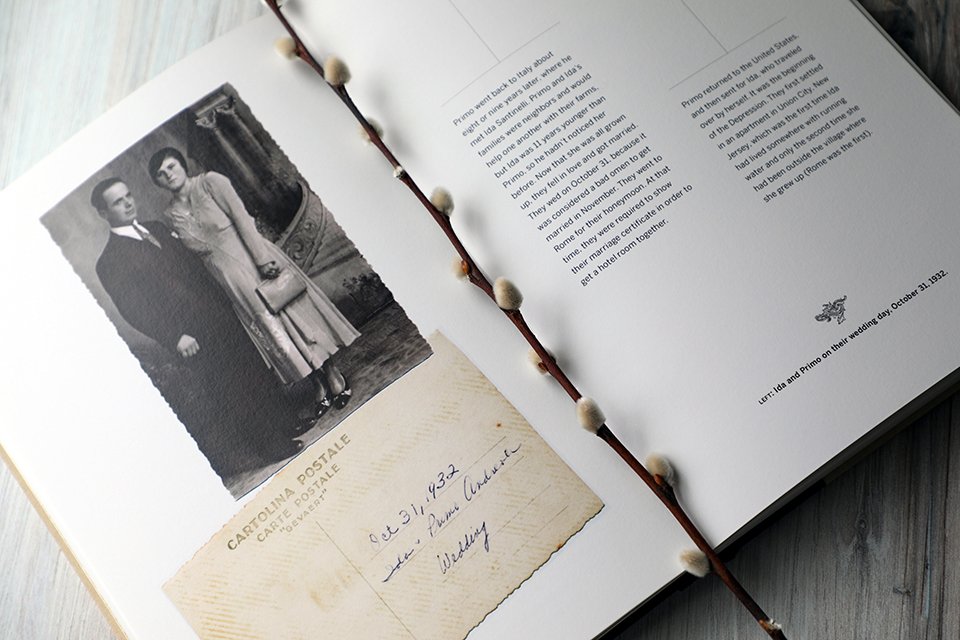
I was lucky enough to inherit a book in which my mom recorded some memories the old-fashioned way—a true treasure.
Whether you actually sit down and use a good old-fashioned pen to record your memories (my mother did, and the book she left me will be forever cherished) or you subscribe to StoryWorth or another tech-aid, just do it. Get your stories down, and saved in one place.
Then, when you’re ready, let’s turn them into something even more special.

The power of pictures to make us feel: Remembering David Bowie
David Bowie will be remembered primarily through his evocative, powerful music, but the trove of pictures that show his shapeshifting self will continue to reveal his story.
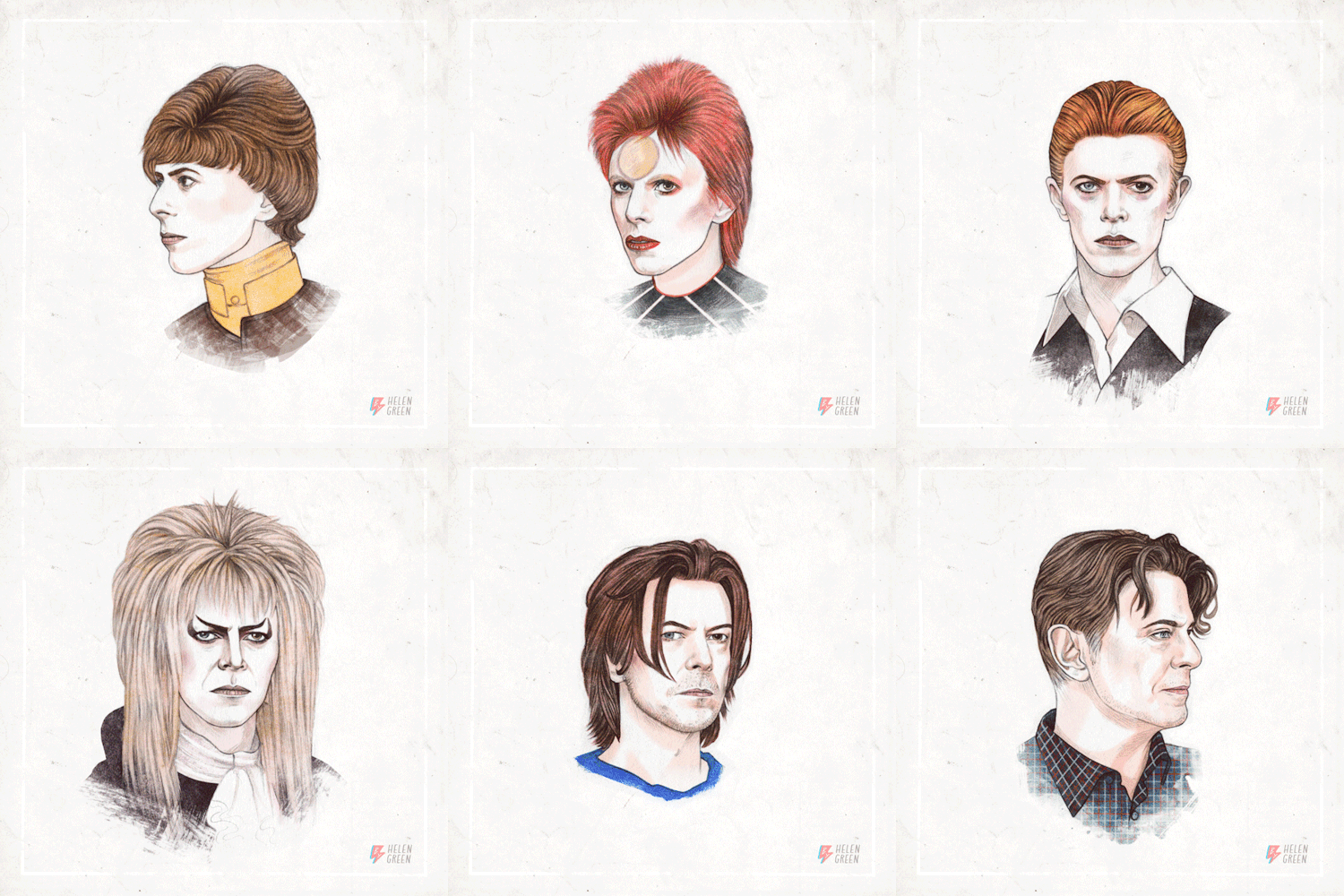
Sometimes it’s not our own pictures that make us feel something profound, but those of others who have influenced us.
The loss this week of a consummate artist, David Bowie—who has made millions of us feel all kinds of emotions through his music—has resonated with more people than I would have imagined. My personal Facebook feed is flooded with links to the coverage of Bowie’s death. But it’s the posts that are rife with images that I am finding most powerful.
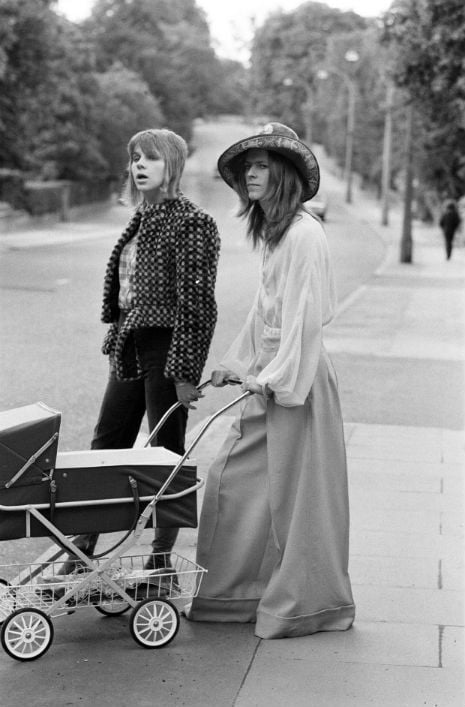
Classic photo: David and Angie Bowie taking their then 3-week-old baby Zowie for a walk, 1971
As a tremendous lover of music, I am never surprised by how a song can transform my mood—or make me cry. Bowie told stories through his infectious lyrics, and his music was emotionally evocative, to say the least. He had a larger-than-life personality; he lived life out loud. His songs will forever push and pull at us—make us dance, perceive acceptance, be inspired, viscerally feel.
“There’s something within his canon for each and every one of us,” said a fan outside Bowie’s NYC home, reports the NY Times. “He covered every aspect of the human heart, and I really will miss him.”
And the many, many images of him, like his music, will continue to reveal parts of David Bowie’s story. Rest in peace, Starman.

On St. Marks Place, NYC Photo by Jess Dukes
Are you a photo hoarder? Here’s help.
What’s the number in YOUR photo scroll? Here's help for getting your digital photos under control—so you can find that family photo gem when you want it (now!).

When the number of photos on your smart phone is in excess of—what, 10,000?—you’re in danger of being a photo hoarder.
We all take pictures (now more than ever: apparently one trillion photos were taken just this year!)—but what we do with them is highly individual. My mom always had her photos developed and every other year or so she’d sit down to the task of making an old-fashioned album (you remember the kind: with those clear magnetic page overlays to hold the pics in place?). My mother-in-law, on the other hand, stashed piles of pictures in drawers until they were so overflowing the drawers could no longer be opened (hey, that’s one way to protect your pictures!).
These days, technology has changed the game a lot, but there are still countless people who let their pictures languish somewhere—on their cell phone, on their social media feeds, on their camera’s HD card. (Do a Google search of “photo hoarder” and at the top of the absurd 1.56 million pages of results you’ll see that “picture hoarder” is even a term in the urban dictionary.)
20 years from now, you don’t want to feel like you are drowning in photos—you just want to remember!
Sound familiar? The first step is admitting you have a problem—say it: “I am a photo hoarder.” Next, take it a day at a time, starting with this plan.
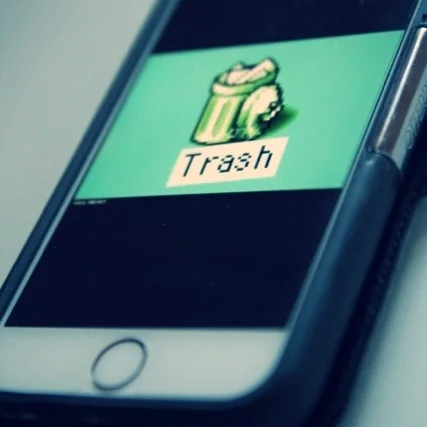
Take out the trash.
One step at a time: Let’s start deleting images that you don’t need! Instead of playing Candy Crush or Hangman on your daily commute, scroll through your photo feed and start hitting delete. It may take weeks with this approach, but at least it’s a start!
Here are a few criteria that can help you quickly determine which photos to throw away first:
Duplicates. Did you take four shots of your lunch to see which one was best to post to Instagram? At least three of them are garbage (and that last one, really—will you need that for posterity?).
Screenshots. You took a screen grab of your text chat to email a friend, and another of a book on Amazon you wanted to remember to buy later. Smart phone technology definitely makes life easier, but it also makes it easier to hoard ridiculous images. Scanning your photo feed for these is simple and quick—do a batch delete!
Indecipherable. Dark, blurry, whatever—if you can’t remember what that shot is now, you’ll never need it later.
For all your other pictures that may fall into a grayer category, ask yourself these questions to help you determine if a photo is a keeper or should be dragged to the trash:
Does the picture tell a story that you want to remember?
Is it a spectacular photo? (If it doesn’t tell a story and isn’t really great, chances are you don’t need it.)
I don’t mean to oversimplify, but really, why would you need 3,000 average photos that don’t hold meaning to you? The real challenge lies in answering question number one honestly.
On a personal note: Avoid guilt! Don’t try to argue with yourself and find reasons to keep a photo. Deleting a picture of your child does not mean you love him any less. Your photo library is like your personal museum: You must be a curator. Trust me, 20 years from now if you want to reflect on a particular time in your family life, you don’t want to feel like you are drowning in photos.
Be vigilant going forward.
It’s a lot easier to maintain order than to have to clean out your photos in an overwhelming project every few years.
Set a reminder in your schedule every three months to do a quick cleanse of your digital photo libraries.
Consider hiring a professional photo organizer to help you keep things in check. I am happy to recommend someone near you, or if you are undertaking photo organizing as a precursor to creating aa book, I can help.
Get in the habit of deleting subpar photos right after taking them.
Recover your pictures from social media.
Facebook, Instagram, and Twitter should not be considered backup for your precious images. They are sharing tools, period. If you’ve been guilty of uploading pictures to social media and then deleting them from your phone or computer hard drive, please, repeat after me: I will not let my pictures live solely on social media.
Then get to work. There are tools to help you recover your photos, though not always at as high a resolution as you had originally uploaded them. For Facebook, go to your Account Settings >> General Account Settings and at the bottom click on the option to “Download a copy of your Facebook data”; you will get a .zip file that should include all your photos and videos. Instagram does not allow direct download of your images, but there are a variety of tools outlined in this helpful article.
If you are not technically savvy or this job just seems too tedious or time-consuming for you, there are pros who can help.

How many pictures are on your digital devices? (Yes, I am asking about ALL of your devices combined!)
Make a sustainable plan.
If your phone really is your primary camera, as it is for so many people, make sure you connect it to your computer regularly to synchronize images. I recommend investing in cloud storage of some kind—there are plenty of inexpensive options, and you are able to back up not only your images but your contacts, calendar, and emails, as well.
If you have a DSLR or a digital point-and-shoot camera, do not rely on your camera’s HD card as the only method for storing your photos. Invest in an external hard drive such as the LaCie Porsche, which can store up to 4TB of data—that’s more photos than even most selfie-obsessed photo hoarders can take in a decade!

Free Guide to Using Your Photos as Writing Prompts
You’ve saved all those pictures for a reason—why not use them to help tell the stories of your life?













The ABCs of photo organization
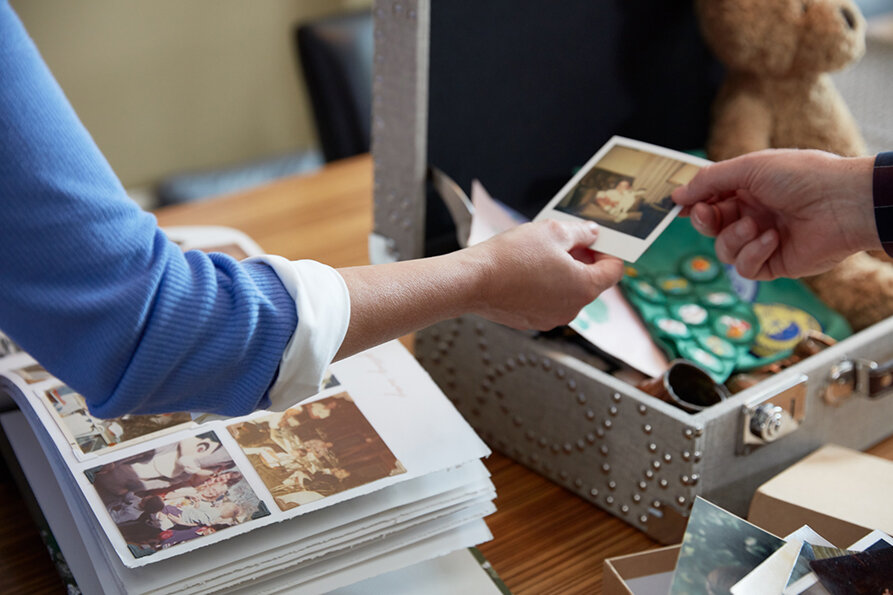
Deciding what photos to keep can be overwhelming. Following a few simple guidelines can make this process easier. These ABCs of photo organizing courtesy of the Association of Personal Photo Organizers can help you stay on track.
Deciding what photos to keep can be overwhelming. Following a few simple guidelines can make this process easier, and I rely on the ABCs of photo organizing to stay on track.

Your kid may be "just too cute!!!" but how many poses of each shot do you really need? #goofball
A stands for Album
These photos are the most important and belong in an album. It’s important to understand that not all photos need to go in an album. The ones you choose are often the most personal, and cherished. Less is more!
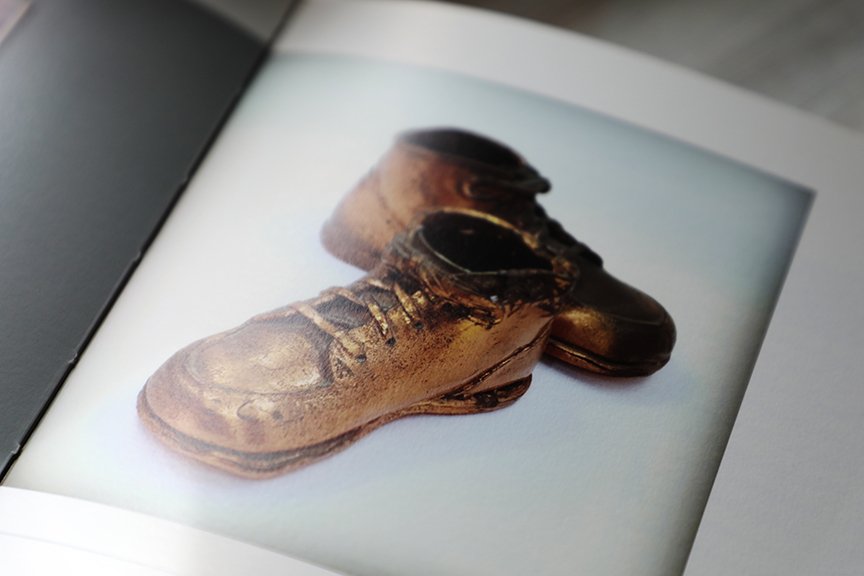
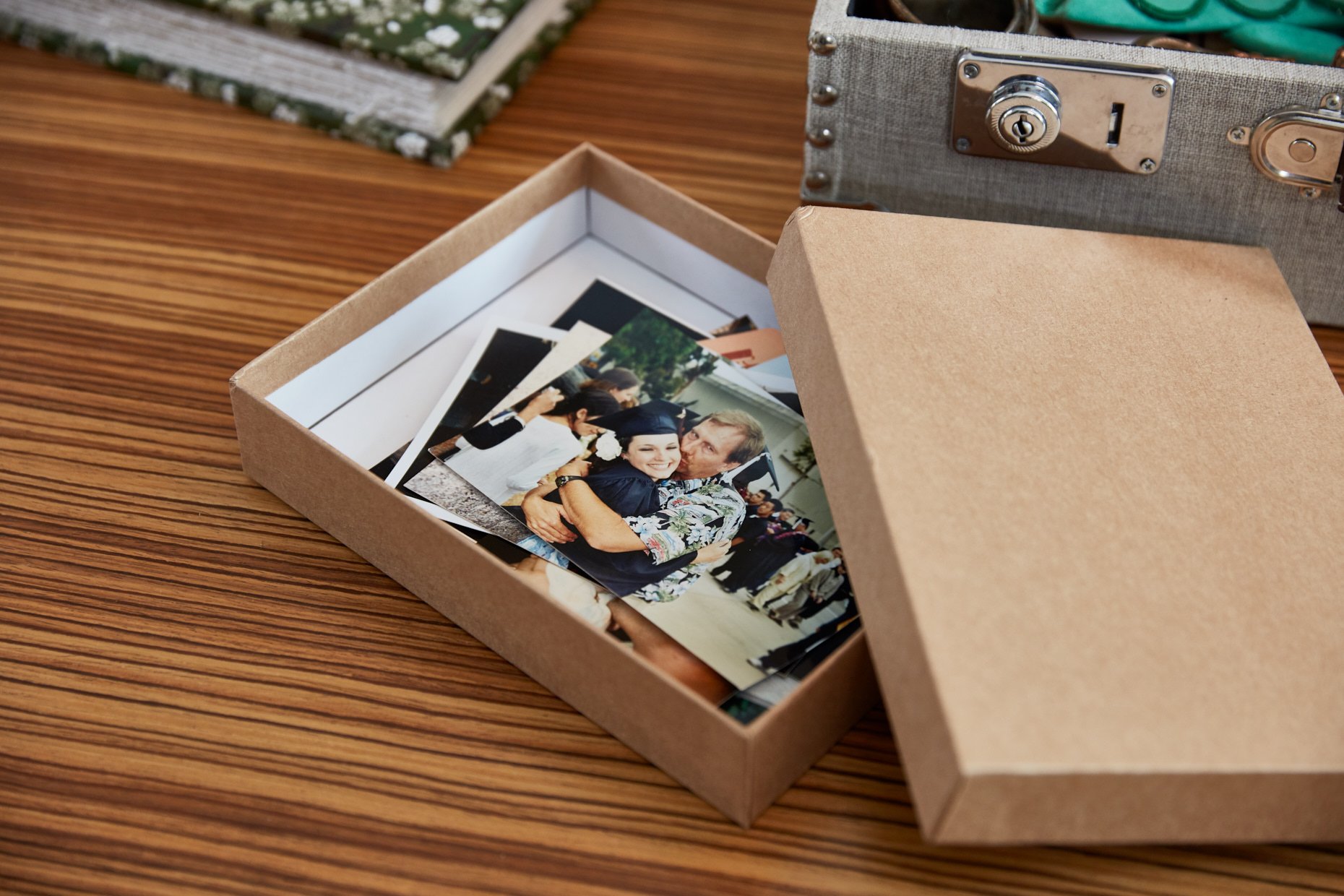
B stands for Box
Photos that are important enough to keep should be stored in archive quality boxes for long term storage, or backed up thoroughly if digitized.
C stands for Can
These photos can go in the ‘trash can’ or your delete file. Toss duplicates, blurry or unflattering photos, excess scenery photos, etc.
S stands for Story
This is the most important part. Does the photo tell a STORY?! Keep any photos that clearly tell a story. An old blurry photo may have your Dad’s first car in the background! Be careful you aren’t tossing history.
Sorting Photos
Our natural tendency is to sort chronologically, but with today’s high volume of photos it can be overwhelming. Whether you are organizing printed or digital photos, the process is always the same. Choose to organize in themes that represent your life.
Weddings, Vacations, Sports, Heritage, By Child , Pets, School, Christmas, Birthdays
These are just a few examples, and themes will vary from one family to the next. Themes can also be sorted in chronological order for easy access.
Safeguarding Your Photos
With today’s rapidly changing technology, protecting our photos continues to be a challenge. Experts recommend that you back up photos in three ways.
Two Computer Sources: Besides the computer drive that your images are stored on, you should have an external hard drive where your photos are backed up regularly. Two computer locations will ensure your photos are safe in the event of a computer crash, and easily restored.
CD/Picture Keeper Backup: Schedule a monthly backup reminder and store images on Archival CDs. These types of disc are high quality and designed for long-term, stable storage. The likelihood that these discs will be readable 10 years from now are high. Even today, we are transferring obsolete media into current readable forms easily. Picture Keeper is a space-saving device that has built in software that intuitively seeks out your digital images from your PC or MAC. This USB flash drive is small enough to store in a safety deposit box outside of your home.
Online Storage: APPO, the Association of Personal Photo Organizers, recommends storing your ‘A photos’ with an offsite service, commonly known as cloud storage. I can recommend a cloud based storage system that offers the security you need plus the added advantage of unlimited photo storage and accessibility from many devices for easy, private sharing.
Print Your Photos: This is by far the safest and most reliable form of backup. Getting your printed photos into albums or printed photo books is the best way to ensure that your photos will survive technology changes and cloud storage. Everyone will still have ‘eyes’ 50 years from now, but technology will be vastly different.
Need Help?
Do you need assistance sorting through your ever-growing archive of pictures? Or perhaps you've taken the plunge with the advice above and have everything organized and backed up like a professional—but now want to show off some of those 'A photos' in an heirloom quality book. I'm here to help! Set up a free consultation to see how we can best work together—and let your pictures shine.
This post courtesy of APPO.
